Matter and Thread Explained: Buy Devices That Still Work in 2028
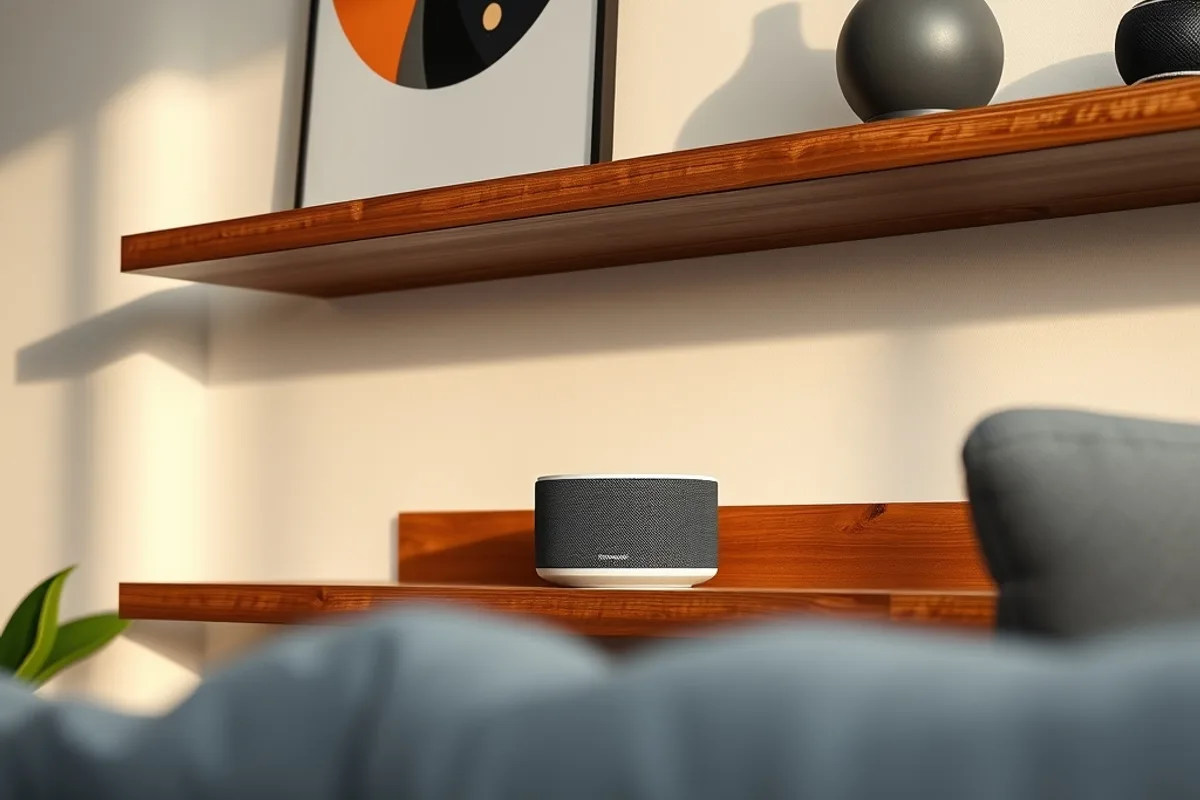
For a decade the smart home was a set of islands. A bulb worked with one app, a lock with another, and the bridge in the middle was a small box you had to keep alive. Matter and Thread were supposed to end that. In 2026 they mostly have, but only if you understand what each standard does and where the old problems still hide.
Matter fixes compatibility, not everything
Matter is a shared language. A certified bulb, plug or lock exposes the same basic capabilities to Apple Home, Google Home, Amazon Alexa and SmartThings. In practice you can buy one device and control it from the platform you already use, then move it later without replacing the hardware.
What Matter does not guarantee is that every advanced feature appears in every app. A light may support colour in one ecosystem and only brightness in another. Firmware updates still arrive through the manufacturer's app. Matter removes the lock-in at the basic level; it does not make all software identical.
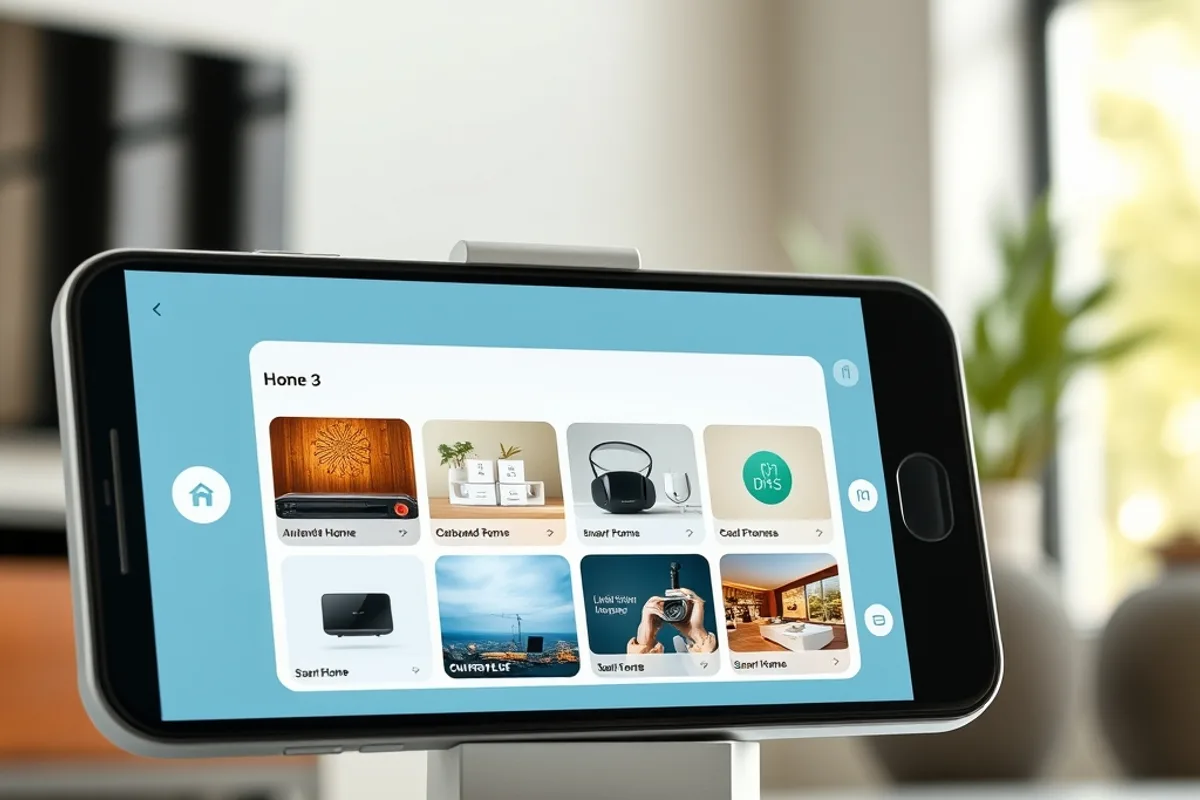
Thread is the network underneath
Thread is a low-power mesh designed for battery-powered sensors, locks and buttons. Devices route through each other to extend range, and a border router connects the mesh to your home network. Many modern hubs, speakers and routers include Thread radios, so you may already own one without knowing.
Thread is not Wi-Fi. It uses the same 2.4 GHz band but a different protocol, and it is built for small messages and long battery life. A Thread lock can run for a year on four batteries where a Wi-Fi lock might last weeks. The trade-off is that you need at least one border router, and a second one improves reliability.
Wi-Fi, Zigbee and Bluetooth still exist
Matter runs over Wi-Fi and Ethernet too, so a mains-powered plug can be Matter without Thread. Zigbee and Z-Wave remain in older installations and still work well. Bluetooth is fine for setup and proximity, not for whole-home automation. Do not rip out a working Zigbee setup to chase a standard; add Matter devices alongside it.
What to check before you buy
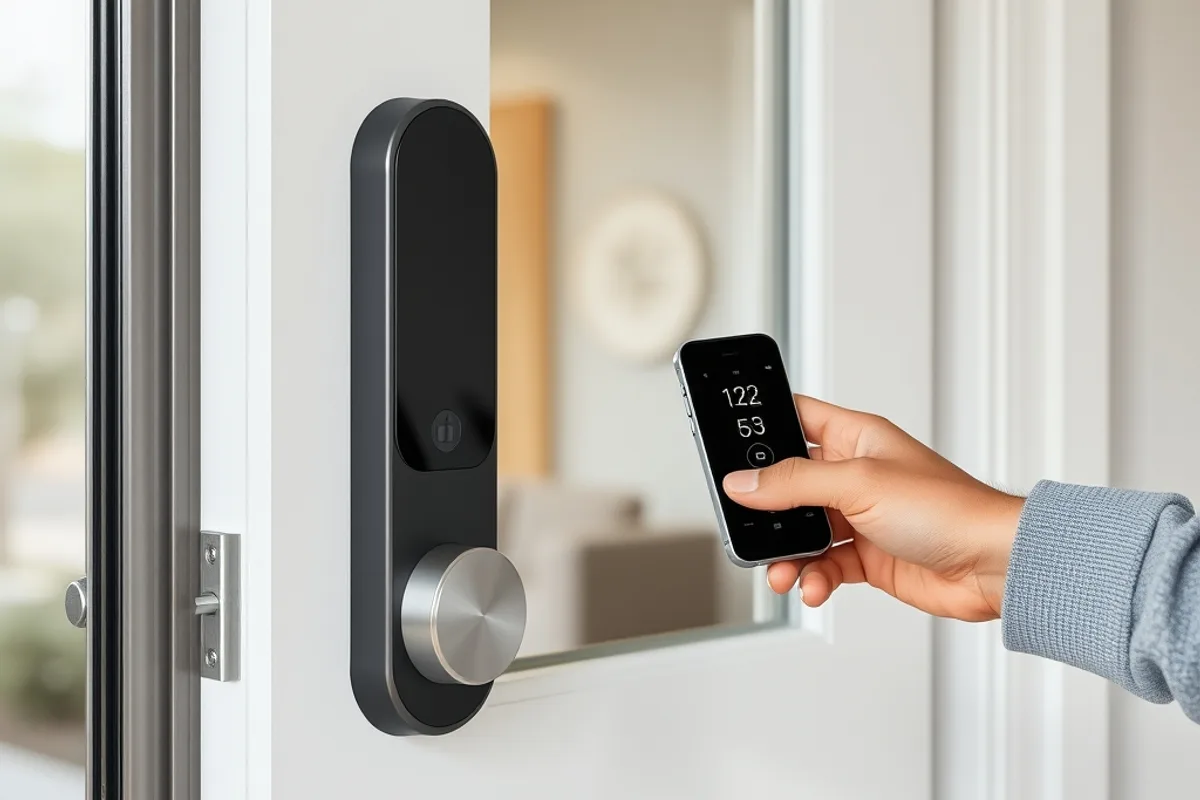
Look for the Matter certification mark and the version. Then check the transport: Wi-Fi, Thread or Ethernet. Confirm that the device supports local control, meaning it keeps working if the internet is down but your network is up. Finally, find the update policy. A cheap device with no firmware history is a future e-waste item.
For locks and security devices, verify that the manufacturer supports the ecosystem you use today and has a public commitment to Matter updates. Avoid products that require a proprietary hub and a subscription for basic functions. The subscription is the real lock-in now.
Building a setup that lasts
Start with one border router in a central location and add a second if the house is large or has thick walls. Use Thread for battery devices and sensors, Wi-Fi or Ethernet for cameras and anything that streams video. Keep the number of apps small: one platform for daily control, manufacturer apps only for firmware and advanced settings.
Document the network. A simple list of devices, their protocol and the app that updates them saves hours when something fails. Label the circuit breakers that feed mains-powered hubs. Name devices by room, not by model number, so voice control stays usable.
Privacy and local control
Local control is both a reliability feature and a privacy one. If a device can act on a schedule without sending data to a server, prefer that mode. Turn off optional analytics in manufacturer apps and check what a camera records and where it stores it. A local SD card is usually better than an unlimited cloud plan.
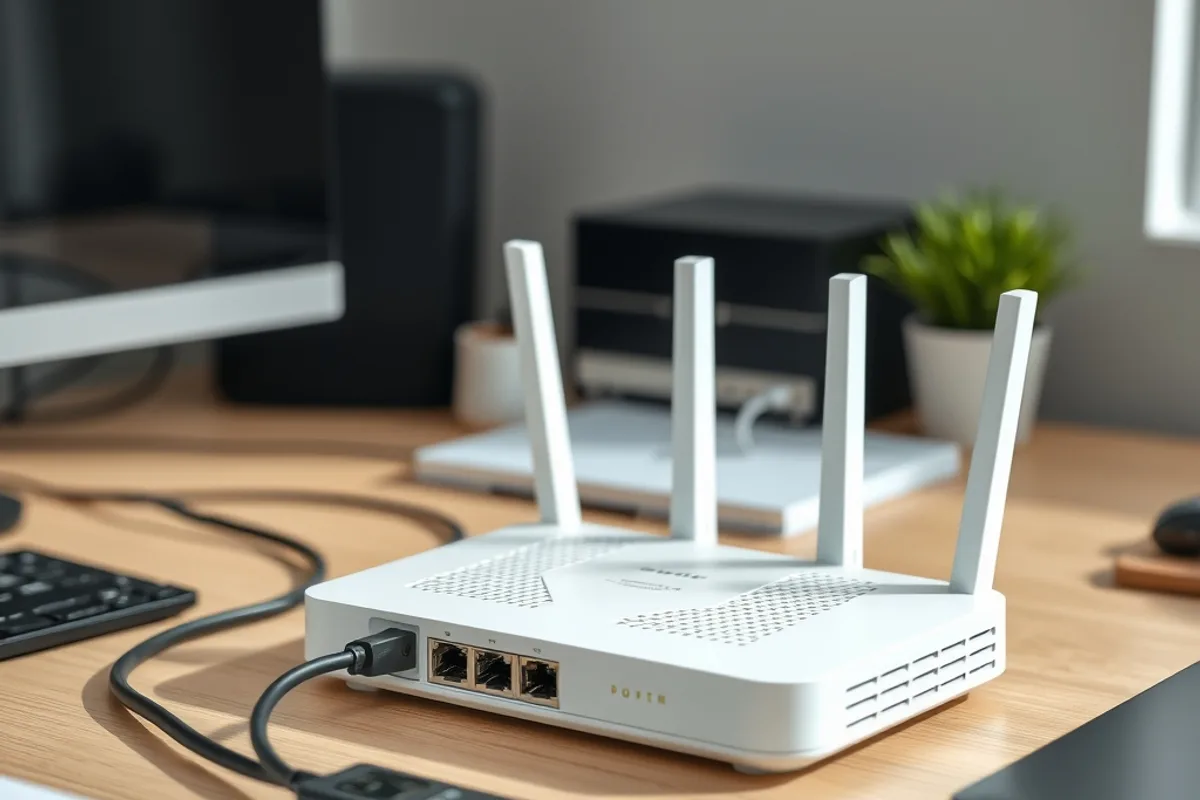
Segment guest and smart devices on a separate Wi-Fi network if your router supports it. This limits what a compromised device can reach. It is a small configuration step with a large security payoff.

The bottom line
Matter and Thread made the smart home less fragile, but they did not remove the need to read the specification. Buy certified devices, confirm the transport and the update policy, keep local control where possible, and add a second border router for reliability. If you are still choosing what to automate, start with our money-saving device guide.